

Export Framer, Webflow & Wix sites to clean, self-hostable HTML
Paste a published URL and download your Framer, Webflow, Wix, Squarespace or WordPress site as clean HTML, CSS and JS. Sliders and animations keep working.
Information
👌 Features
🔥 Strengths
Integrations
Discover which no-code tools integrations are compatible with this one.
Alternatives
Discover which alternative no-code tools are similar with this one.

Framer

Webflow

Wordpress


SquareSpace

Wix

Shopify

Ghost
There is no tools here for the moment
Tool Description
1. What is NoCodeExport?
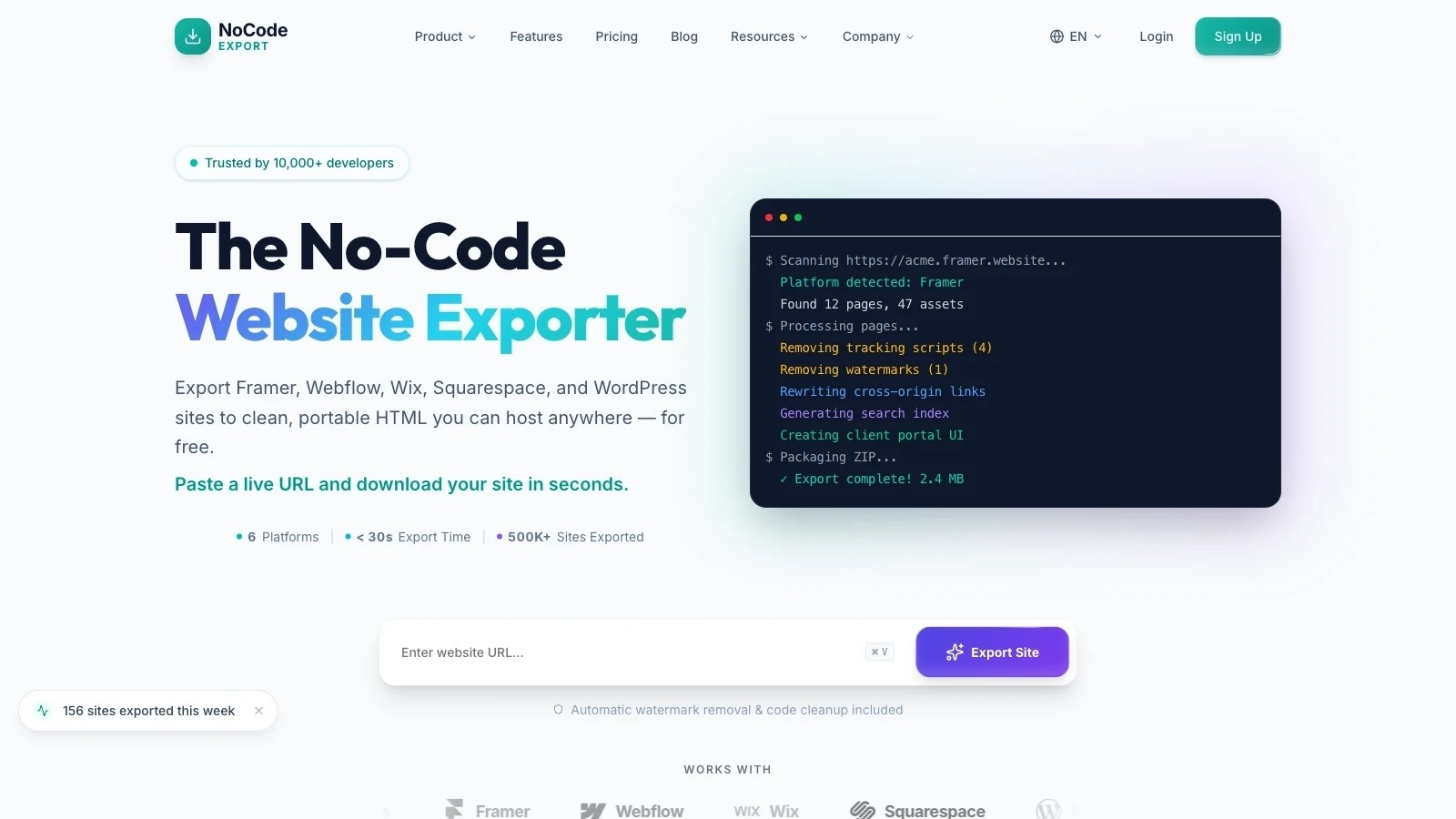
NoCodeExport converts a published no-code website into a folder of static HTML, CSS and JavaScript you can host anywhere. You paste the live URL of a site built in Framer, Webflow, Wix, Squarespace, WordPress or Elementor; it returns a ZIP.
The technical distinction matters more than it sounds. Traditional site-copiers like HTTrack or wget are HTTP clients — they save the markup the server sent and never run JavaScript. Modern no-code platforms build most of the visible page in the browser after that markup arrives, so those tools capture an empty shell: missing layout CSS, unstyled elements, no lazy-loaded images.
NoCodeExport drives a real browser instead. It loads each page, waits for the platform's own hydration signal, scrolls the full height to trip lazy-loaders and Load More buttons, waits for fonts and images to decode, then serialises the DOM the browser actually built. Platform-specific work happens on top: Framer's responsive breakpoints ship as JSON rather than CSS, so they're reconstructed into real @media rules — without that step, every breakpoint renders stacked on top of itself.
2. Why use NoCodeExport?
- Escaping platform fees. A Framer Pro plan is $45/month, Scale $100/month with overages past $220. A static export removes the recurring hosting bill entirely — the result runs on Netlify, Vercel, Cloudflare Pages or GitHub Pages free tiers.
- Speed. Removing the builder runtime, tracking scripts and platform badges typically moves Lighthouse performance from the 70–90 range into 95–100.
- Ownership. Real files, in a real repo, that no vendor can deprecate or reprice.
- Developer handoff. Designers deliver in a builder; developers receive readable static code with relative paths.
- Archival. A dated, self-contained snapshot of a site before a redesign or a client relationship ends.
3. Who typically uses NoCodeExport?
- Freelancers and studios delivering client sites without committing the client to a monthly builder subscription
- Designers who prototype visually and need to hand something maintainable to engineering
- Agencies managing many client sites — the Agency tier adds a branded client portal, webhooks and unlimited retention
- Site owners priced out of a plan tier, or leaving a platform after a policy change
- Developers who want a working reference implementation of a design rather than a Figma file
Not the right tool if your site depends on server-side behaviour: e-commerce checkout, member logins, live CMS updates, or search that queries a backend. Static output is static.
4. Pricing and plans
Free - $0. One page per export, 10 exports a month, assets hotlinked to the original CDN, files kept 7 days. Enough to prove the engine works on your site.
Pro - $14.99/mo. 100 pages per export, 50 exports a month, assets downloaded into the ZIP so the result is self-contained, 30-day retention. Adds one-click GitHub and Netlify deploys, SEO audit, shareable preview links and API access.
Agency — $59/mo. Unlimited pages, exports and retention, plus a branded client portal and webhooks. Built for delivering to clients rather than exporting your own site.
Yearly billing is discounted.
Assessment. Pro is the sweet spot, 100 pages covers most real sites, and downloaded assets are what make an export genuinely portable. The notable gap is Free being capped at a single page: it proves the engine works but can't demonstrate multi-page crawling or asset bundling. Competitors sell one-off lifetime licences at $97–$197, making NoCodeExport the only subscription in the category — cheaper to start, though a $197 lifetime licence breaks even against Pro in about thirteen months.
Does it fulfil its purpose?
Yes, within clearly-drawn limits. The rendering-first architecture is the correct answer to the problem, and the fidelity work — breakpoint reconstruction, computed-style capture, polyfilled interactions, SVG sprite inlining, font subsetting — goes further than "save the HTML." Sensible engineering discipline is visible too: SSRF validation on submitted URLs, encrypted OAuth tokens, and degraded-page tracking that refuses to report success when a capture silently fell back to raw DOM.
Where it could improve:
- The single-page free tier is the weakest link. It can't show the thing the product is actually good at. A one-time full-site trial, or a preview of the multi-page result before payment, would let the engine sell itself.
- Video and audio are always hotlinked, on every plan, because bundling 10–50 MB files into a ZIP isn't practical. Reasonable, but it means video-heavy sites aren't fully self-contained and stay dependent on the original CDN.
- Crawl depth is capped at three levels. Fine for most sites; deep documentation or large blog archives will miss the tail.
- Forms need a destination configured during export — five modes are offered (hosted, Formspree, Netlify, custom endpoint, manual), but no form works untouched, and that's worth setting expectations on up front.
- No lifetime option in a category where both direct competitors sell one.